Photorealistic renders faithful to what you drew.
From sketch to final image right in your browser — nothing to install, no dedicated graphics card, no learning curve.
- Works with a SketchUp screenshot, a hand sketch, a black-and-white elevation or a CAD export
- What you modelled stays there — materials and light change. Where your project defines nothing, the AI proposes
- Render natively in 2K or 4K, or upscale later from 2K to 4K
- Swap materials, remove and add objects without touching the rest of the image
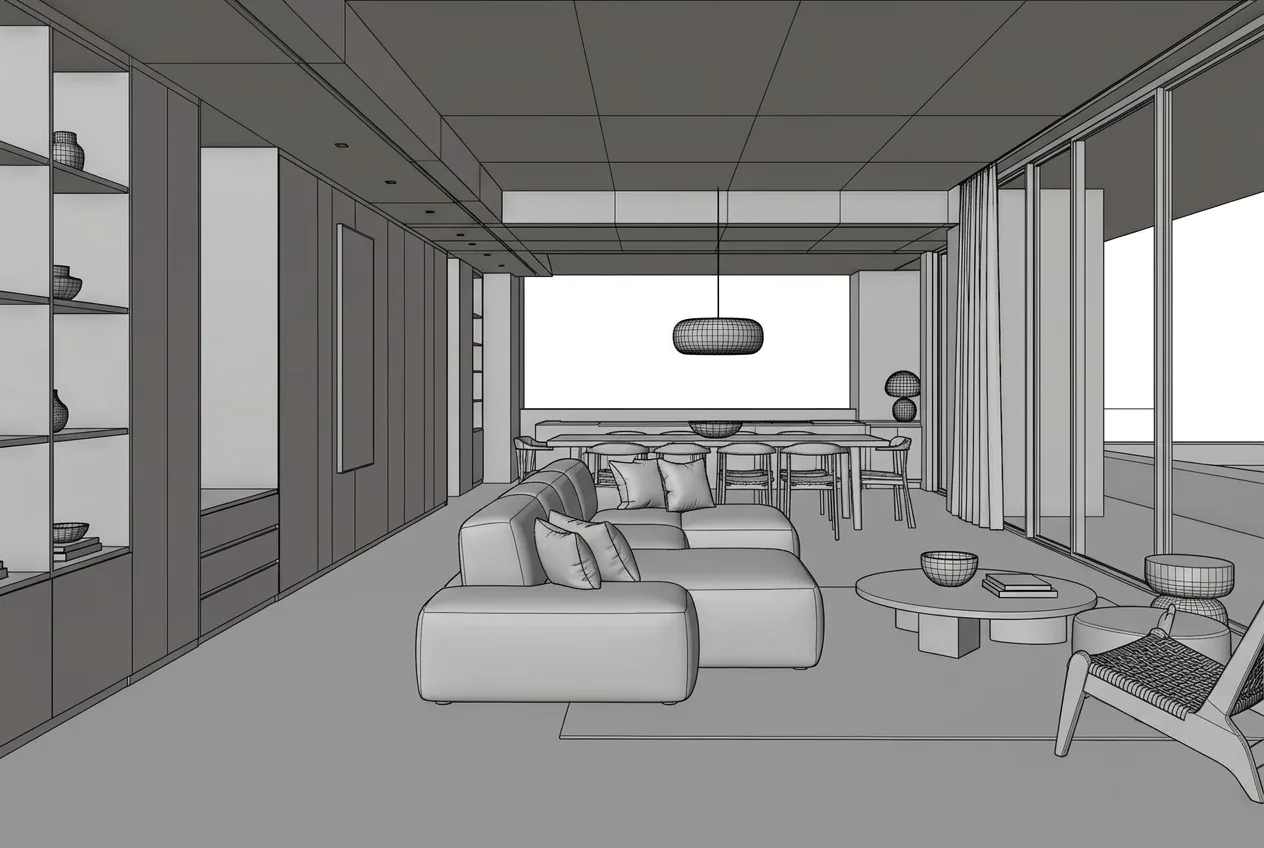
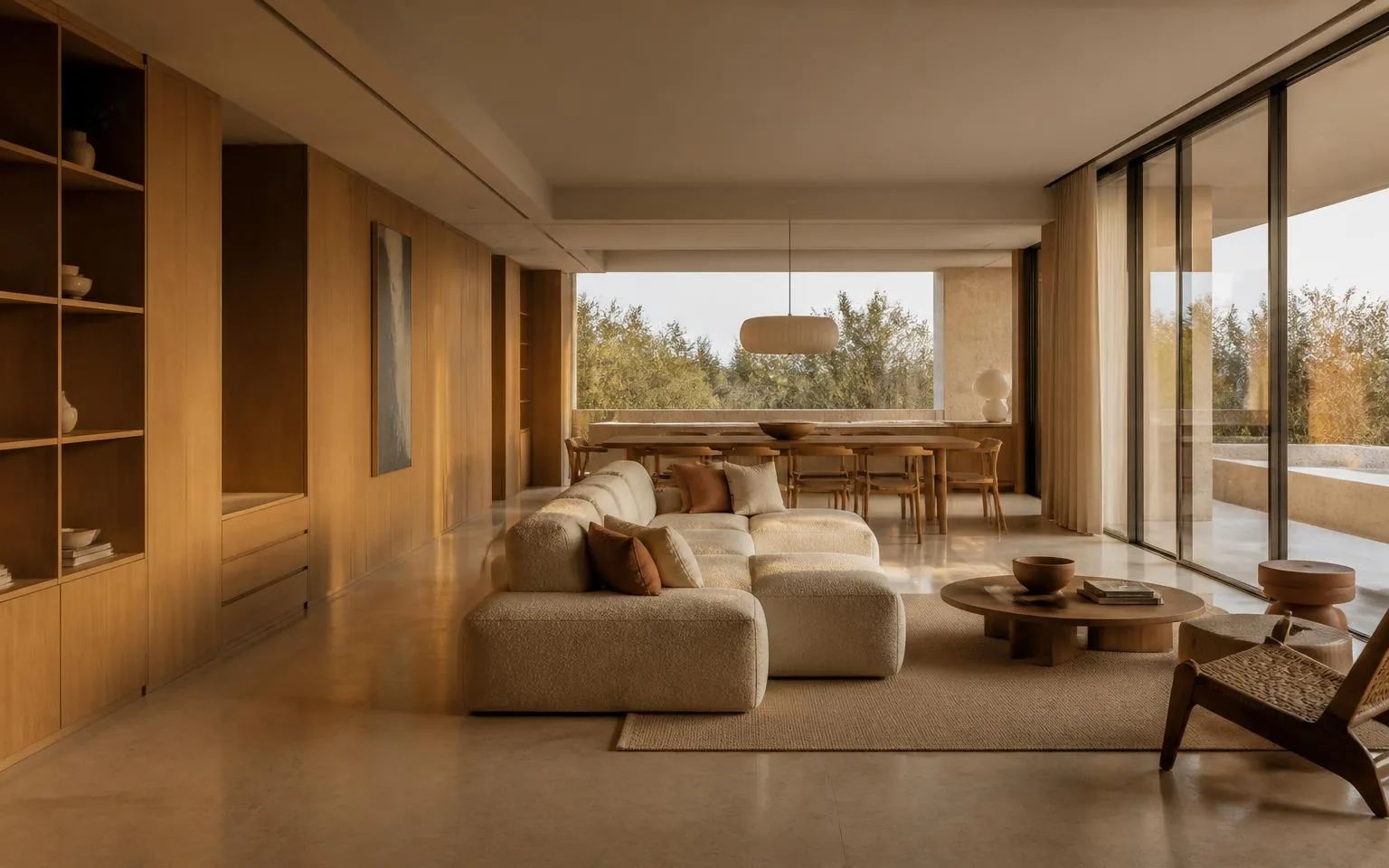
Drag the handle to compare. Works with mouse and touch.
Works with image exports from any design software
Upload JPG or PNG from SketchUp, Revit, Archicad, Rhino or any other tool. These are just examples.
- SketchUp
- Revit
- Archicad
- Rhino
- Chief Architect
- Vectorworks
Everything you can do with an image
Click any tile to see how it works.
Ten ways to start. One render you can present.
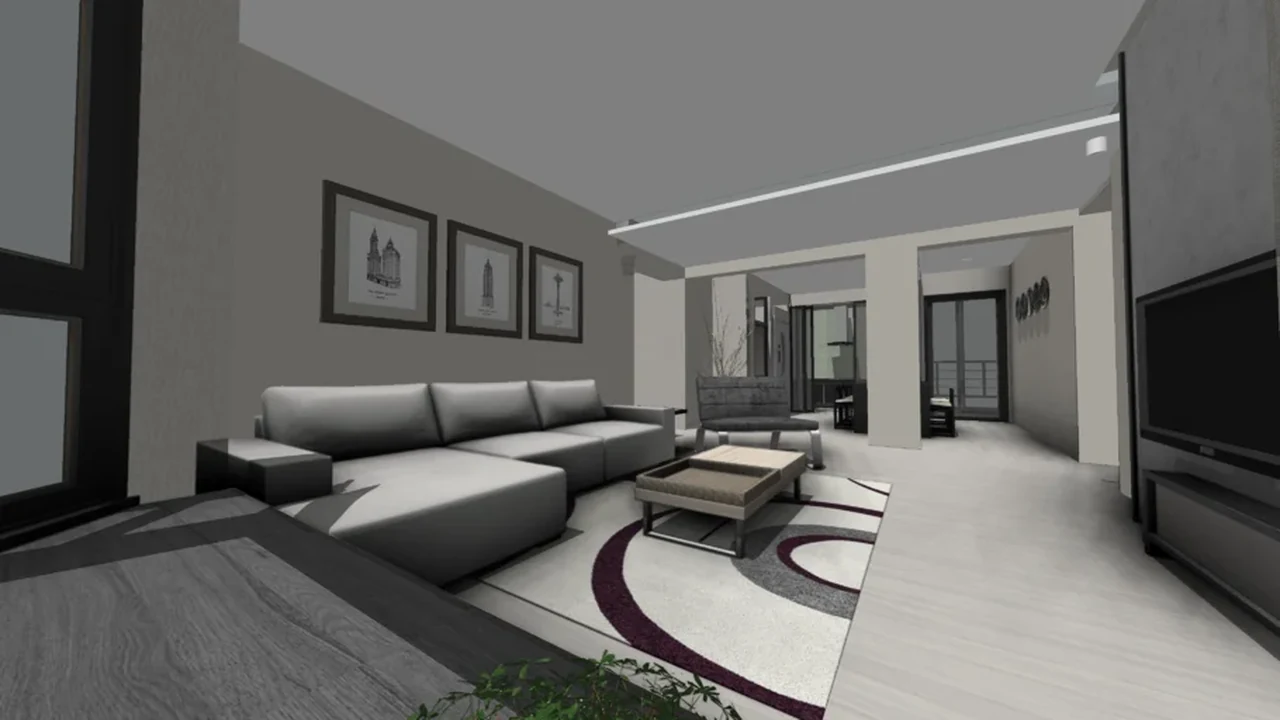
From CAD to final image in three clicks.
- 1Upload your project
A JPG or PNG exported from any CAD or 3D modeling software.
- 2Hit render
The AI keeps what you modelled and adds photorealistic materials and lighting. Where the model defines nothing, it proposes.
- 3Download in high resolution
Images ready for client presentations, your portfolio or print.
The same project, before and after.
Drag the handle on any comparison. The animation stops as soon as you take over.
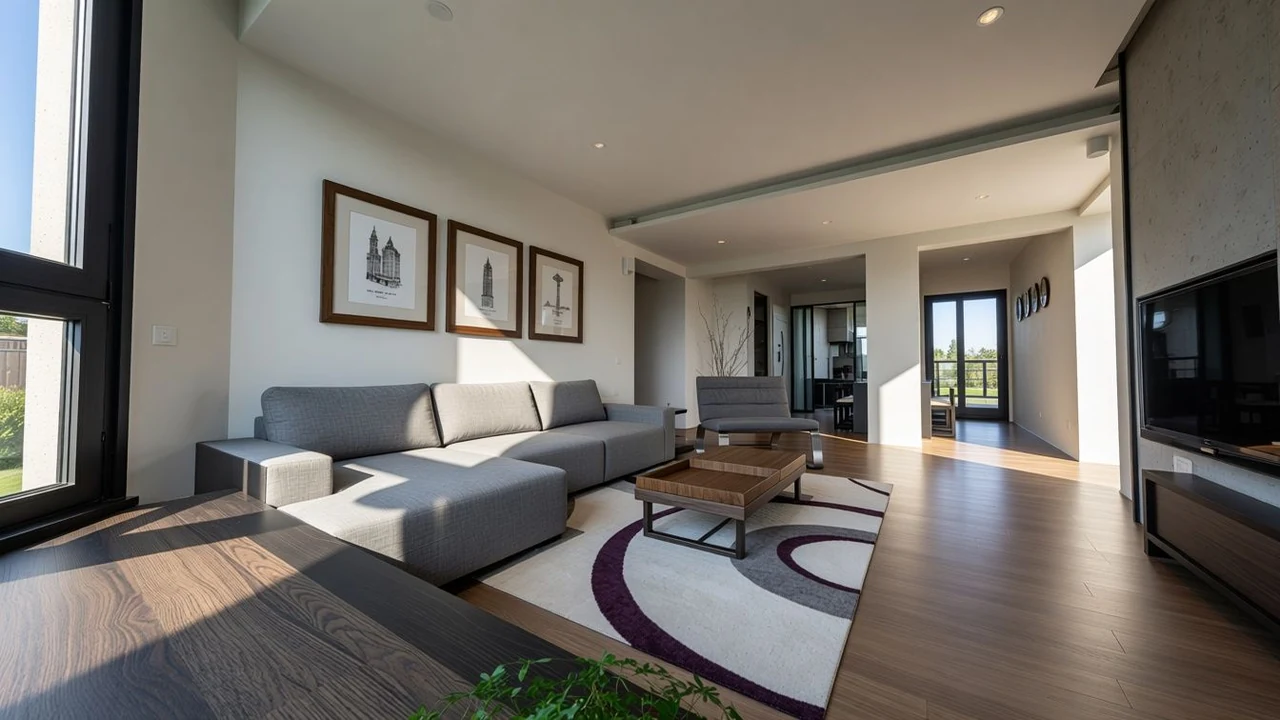
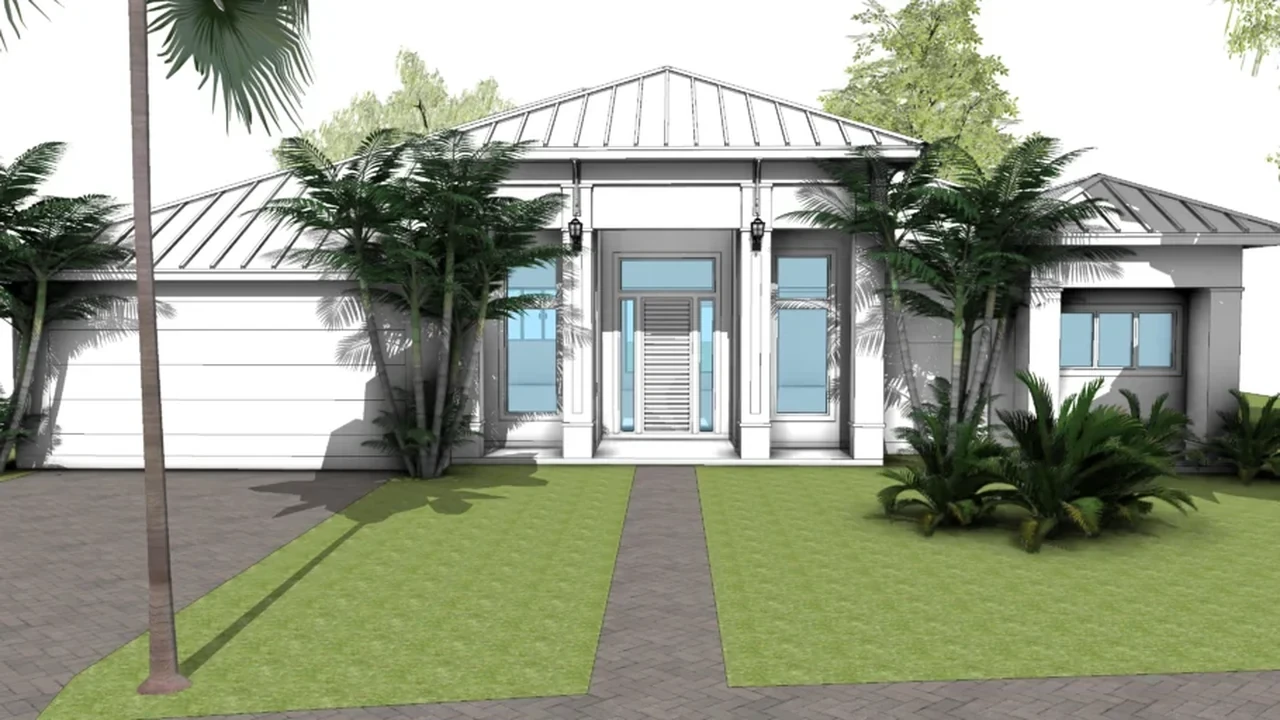
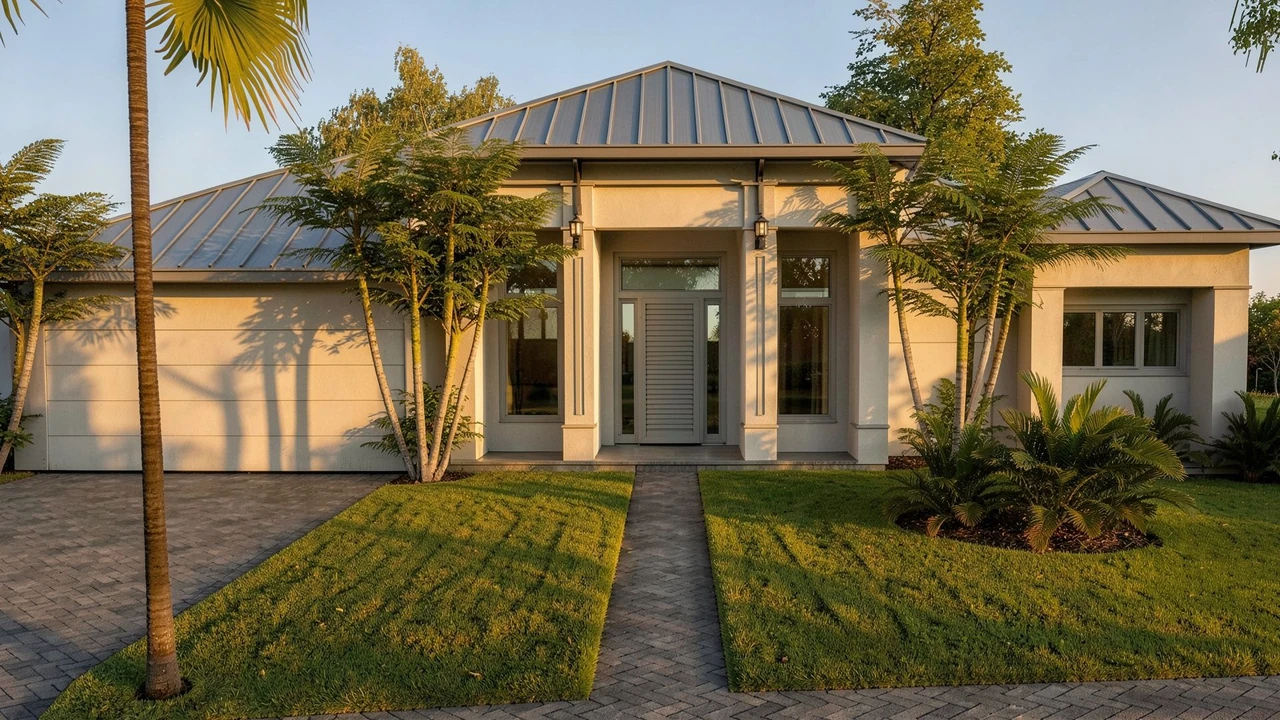
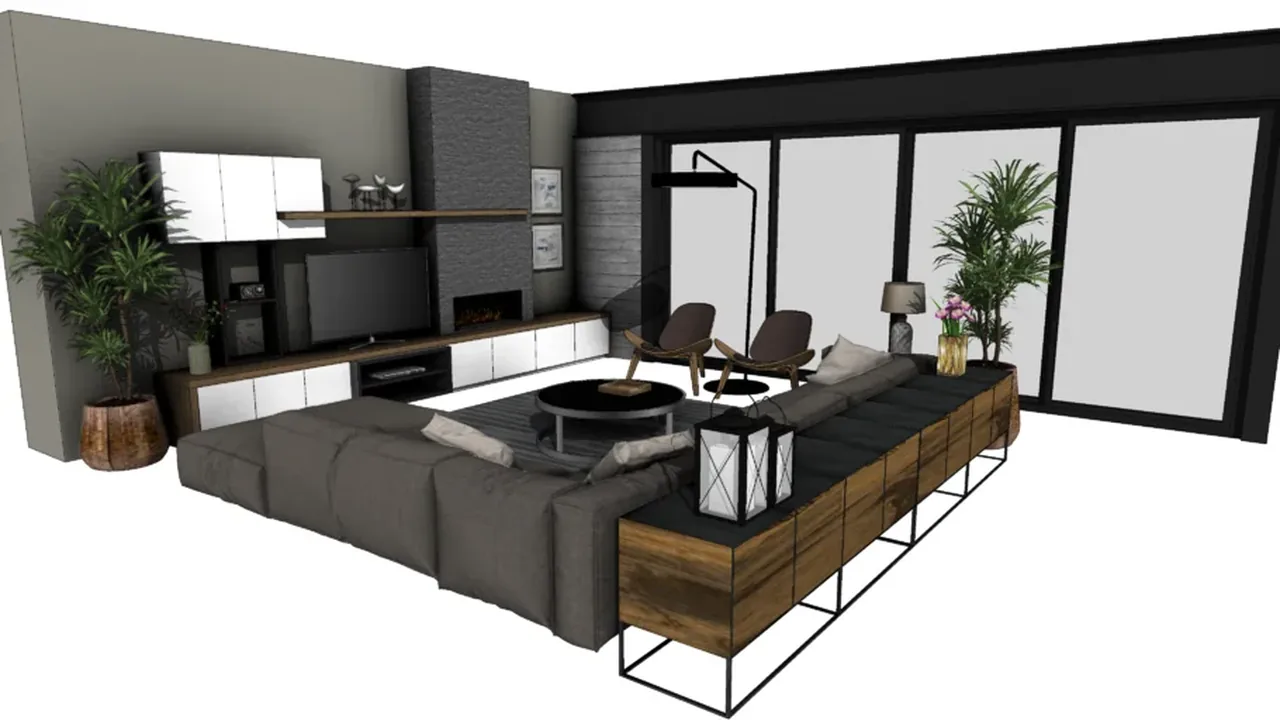
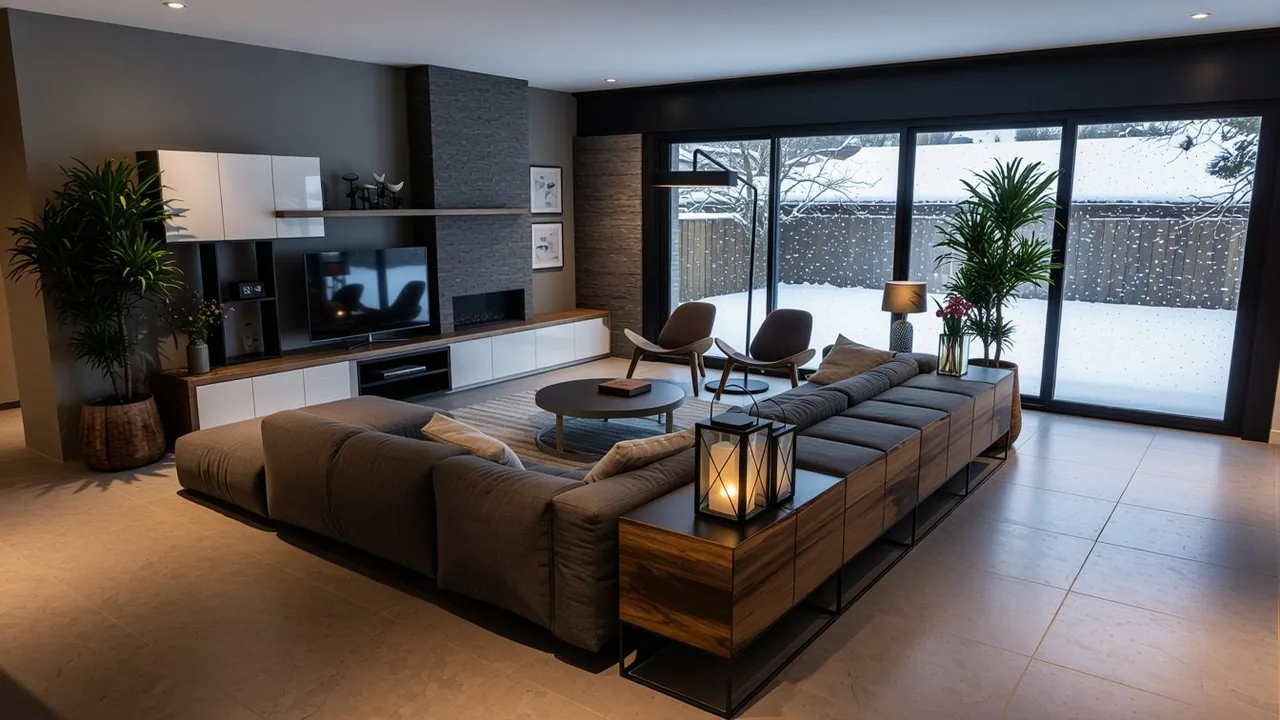
Your renders in motion.
Short animations generated from a still image, with no need to remodel the scene.
From hours to seconds.
How RendScene stacks up against traditional 3D rendering and outsourced studios.
- RendScene
- Seconds to a few minutes
- Traditional 3D rendering
- 4 – 12 hours
- Outsourced rendering
- 3 – 10 days
- RendScene
- Included in your plan
- Traditional 3D rendering
- Billable studio hours
- Outsourced rendering
- Quoted per image
- RendScene
- None
- Traditional 3D rendering
- Weeks to months
- Outsourced rendering
- None, but you depend on others
- RendScene
- Any device with a browser
- Traditional 3D rendering
- High-end PC/Mac with a dedicated GPU
- Outsourced rendering
- None
- RendScene
- No — cancel anytime
- Traditional 3D rendering
- Annual software license
- Outsourced rendering
- Yes, per project
- RendScene
- Free email support
- Traditional 3D rendering
- Forums and tutorials
- Outsourced rendering
- Account manager
Made for people who design space.
One workflow across typologies and project stages.
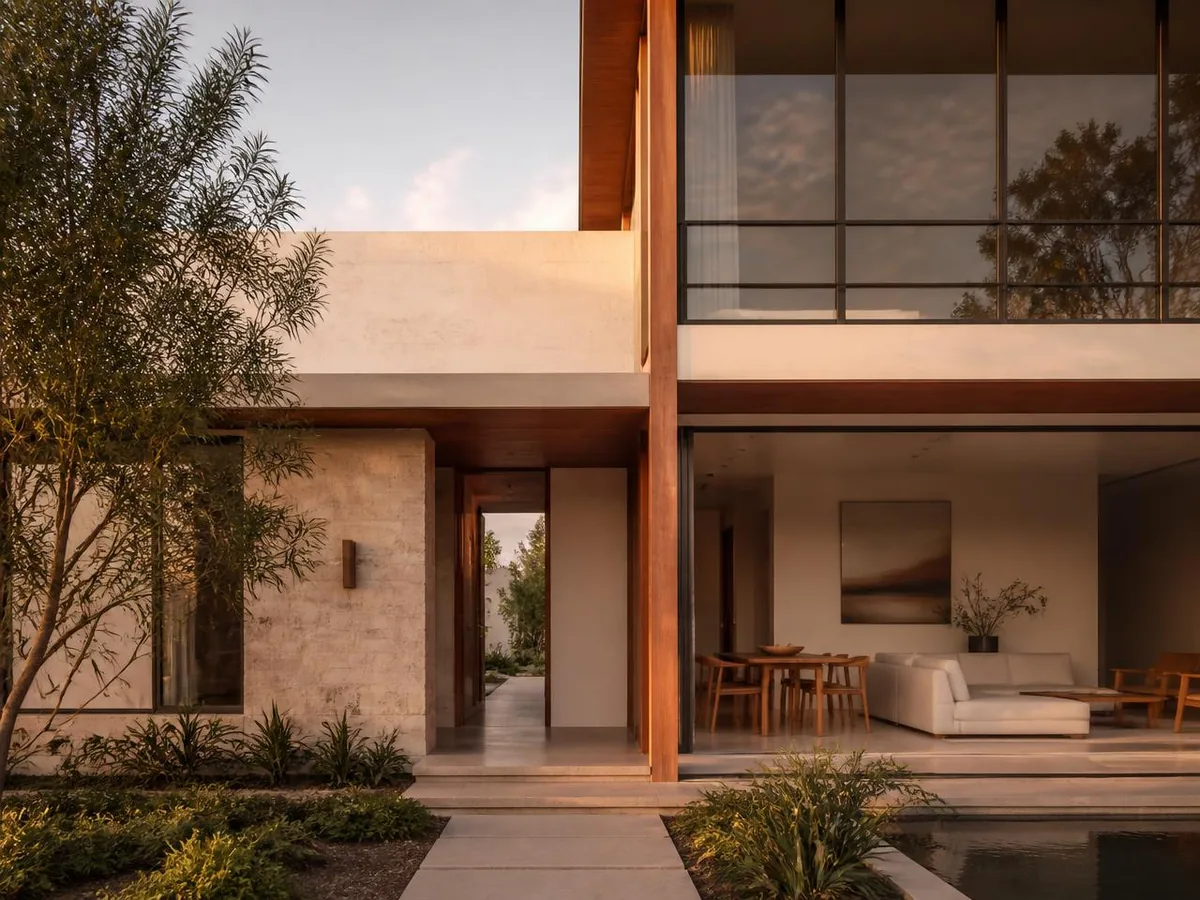
Architectural rendering
Facades, massing and exteriors in seconds.

Interior design
Rooms with believable materials, furniture and lighting.

Furniture
Pieces, products and collections shown in real spaces.
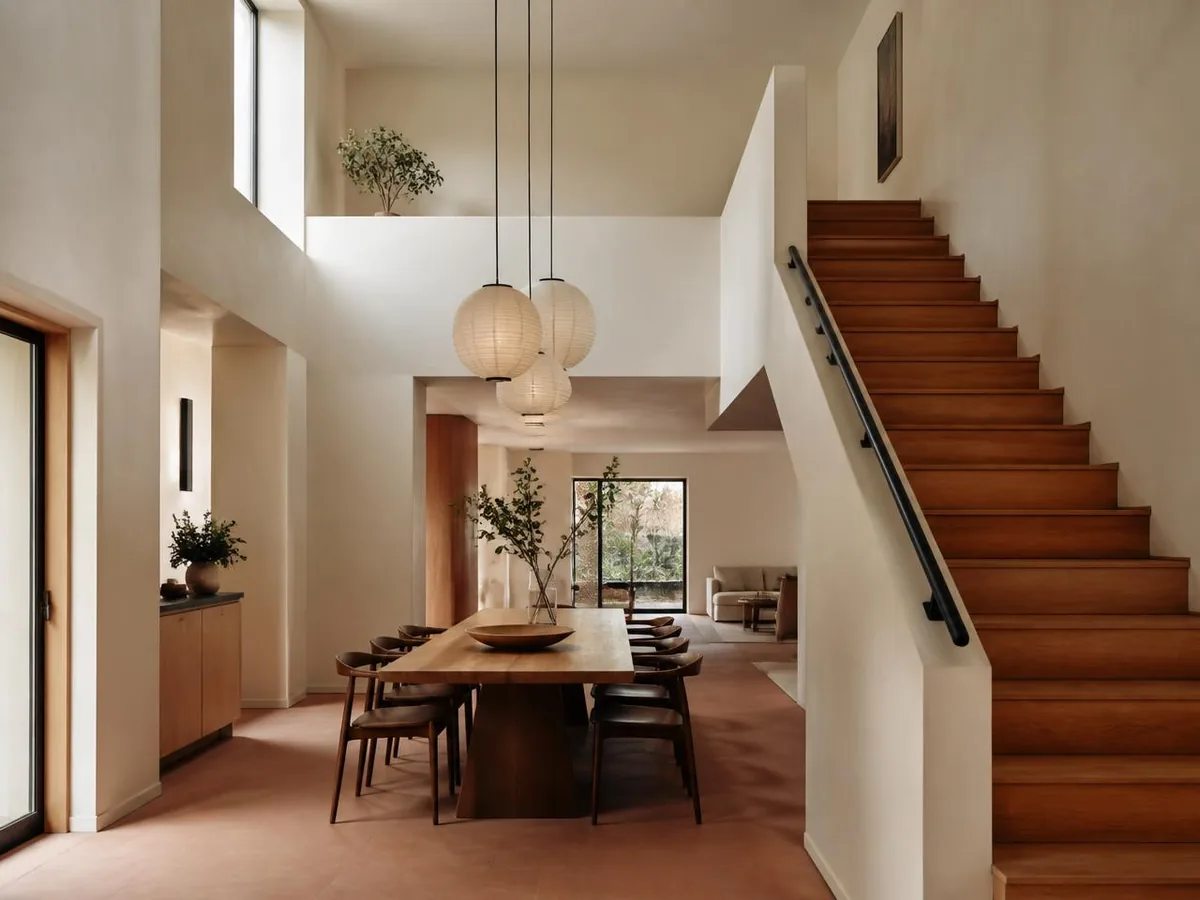
Sketch to render
From a hand drawing to a photorealistic final image.
Security and privacy come first.
Intellectual property
Your projects are 100% yours. We never train models on your images and your content stays private to your account.
Data protection
Encryption in transit and at rest, secure authentication and per-user access controls.
Service reliability
High-availability cloud infrastructure.
Simple pricing, built for studios.
Subscribe monthly or yearly. Credits every month, animation available on every paid plan and saved history.
You choose the billing currency. Subscriptions already running keep being charged in their original currency.
For freelance architects and one-off projects.
For active studios with a steady flow of projects.
For firms with a team and high volume.
Subscriptions, monthly and yearly, renew automatically. You can cancel anytime from your account, with no minimum term and without contacting anyone: renewal stops at the end of the period you already paid for. The separate 7-day right of withdrawal, with a refund, still applies.
* Prices in US dollars. On international purchases, your bank may add taxes and currency conversion fees — the final amount on your statement can be slightly higher.
Credit packs, no subscription needed
One-time purchase, no renewal. Credits last 12 months, images come out unmarked, and everything is unlocked: 4K, Upscale and history.
Pack-only account: 1 GB of storage and images kept for 1 year. Nothing is deleted without an email warning first.
Plan credits do not roll over: they reset when the cycle turns. How credits work
Free calculators for your project
Square footage, paint, tile, stairs, scale and more. They run in your browser, in imperial or metric, with no sign-up.
- Square footage calculatorArea of rectangles, triangles, circles and trapezoids in sq ft, m² and acres.
- Paint calculatorGallons or liters of paint for walls and ceiling, minus doors and windows.
- Tile calculatorTiles and boxes for a floor or wall, with grout joint and waste.
- Stair calculatorRisers, treads, angle and total run of a stair, with Blondel's rule.
- Scale calculatorDrawing size to real size and back, at 1:100, 1:50 or 1/4" = 1'-0".
- Roof pitch calculatorRoof pitch as X/12, degrees and percent, with ridge height and roof area.
Frequently asked questions.
Everything worth knowing before you start.